Road Safety / IoT
DashCams Protect
Dashcam Companion App with Hardware Integration
QStart Labs rebuilt the DashCams Protect mobile application from the ground up, replacing the generic manufacturer app with a custom-branded solution that addresses customer pain points and adds powerful new features like over-the-air firmware updates and video spotlight submissions.
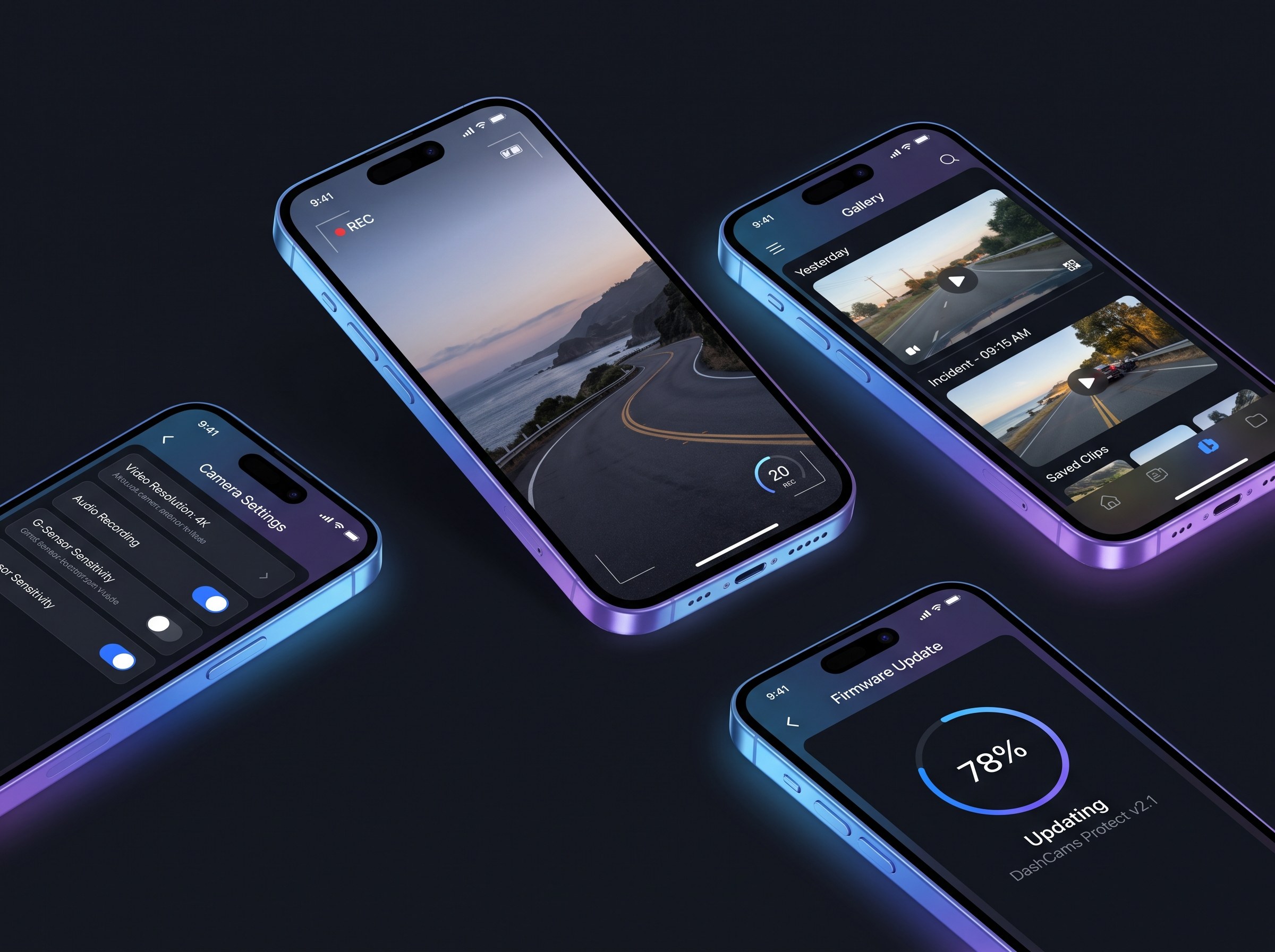
About DashCams Protect
DashCams Protect is a road safety technology company that provides dashcam solutions to help drivers protect themselves against accidents, disputes, and insurance concerns. Their dashcams capture critical video evidence that can make the difference in accident claims.
The company needed a mobile app that reflected their brand identity and solved the usability issues customers experienced with the generic manufacturer-provided application. They also wanted to add features that would differentiate their offering in the competitive dashcam market.
Target Audience
The Challenge
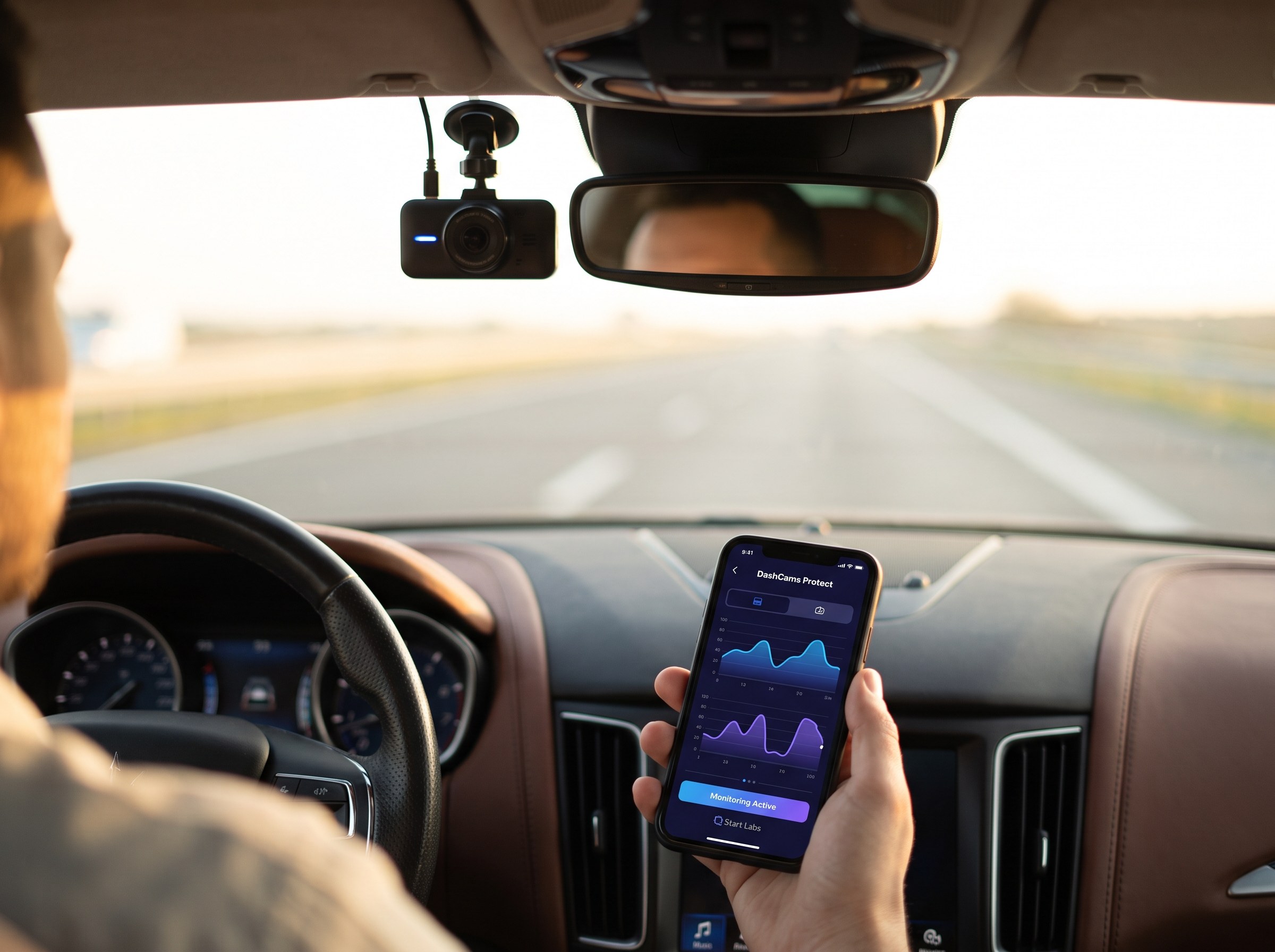
The existing manufacturer app wasn't meeting customer expectations.
Poor User Experience
The manufacturer's generic app had confusing navigation, inconsistent behavior, and lacked the DashCams Protect brand identity customers expected.
Complex Hardware Communication
The app needed to communicate directly with dashcam hardware over WiFi using a proprietary XML-based protocol with 50+ command types.
Firmware Update Distribution
Customers had no easy way to update their dashcam firmware, missing out on bug fixes and new features.
Video Management Limitations
Users struggled to browse, download, trim, and share dashcam footage — critical for insurance claims and incident documentation.
Our Solution
We rebuilt the app from scratch with a focus on brand, usability, and powerful new features.
Custom React Native Application
We built a completely new mobile app from scratch using React Native and TypeScript, delivering a polished experience on both iOS and Android with the DashCams Protect brand front and center.
- React Native 0.82 with TypeScript for type-safe development
- Redux Toolkit for state management with offline persistence
- Custom UI reflecting DashCams Protect brand identity
- Intuitive navigation replacing confusing manufacturer UX
- Firebase Analytics and Crashlytics for monitoring
Direct Hardware Integration
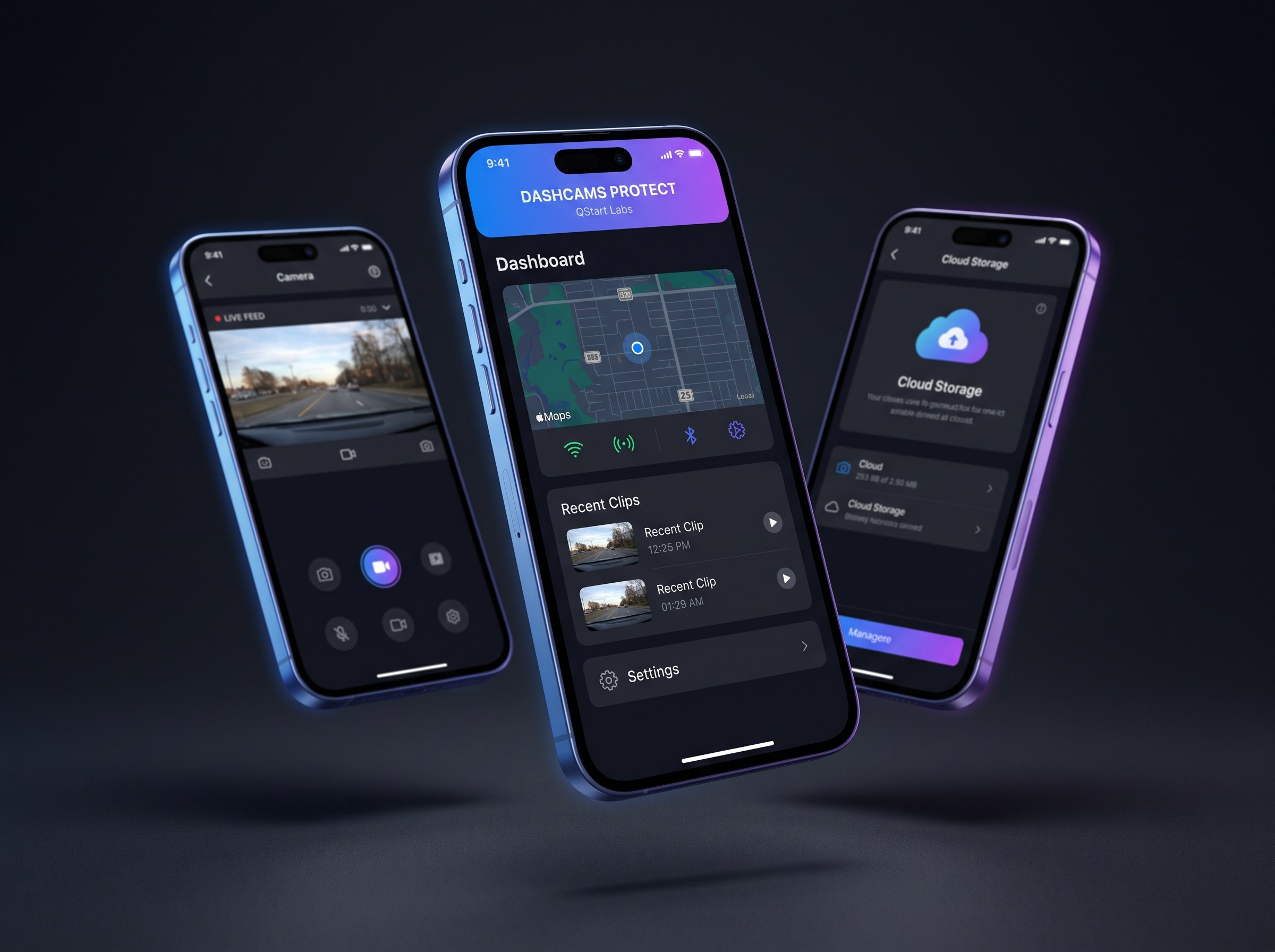
Implemented robust WiFi-based communication with the dashcam hardware, enabling real-time control and monitoring without requiring internet connectivity.
- WiFi Direct connection to camera access point (192.168.1.254)
- Custom XML protocol implementation for 50+ camera commands
- Live RTSP video streaming via VLC media player
- Real-time camera settings control and synchronization
- Connection state management with automatic reconnection
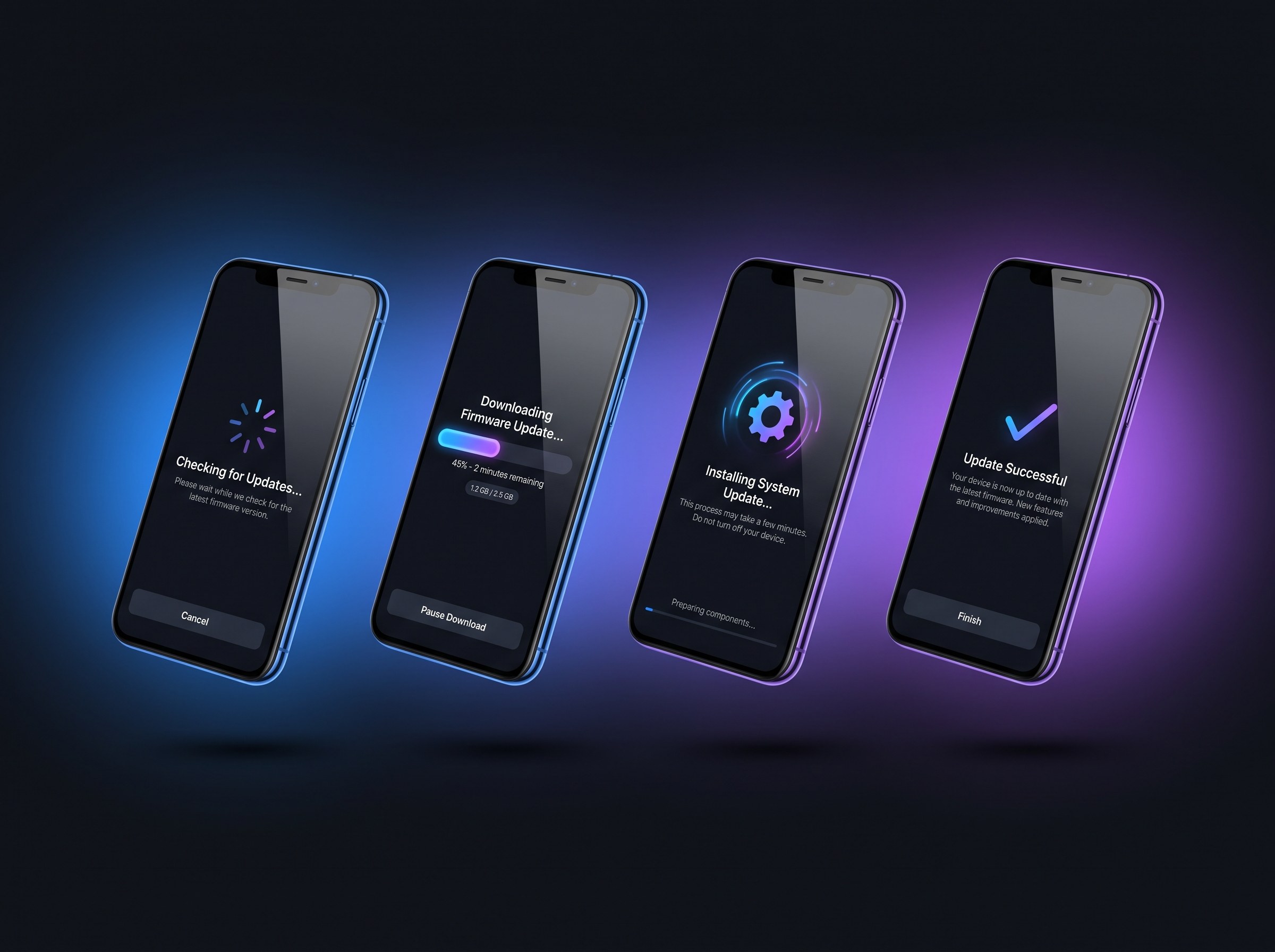
Over-the-Air Firmware Updates
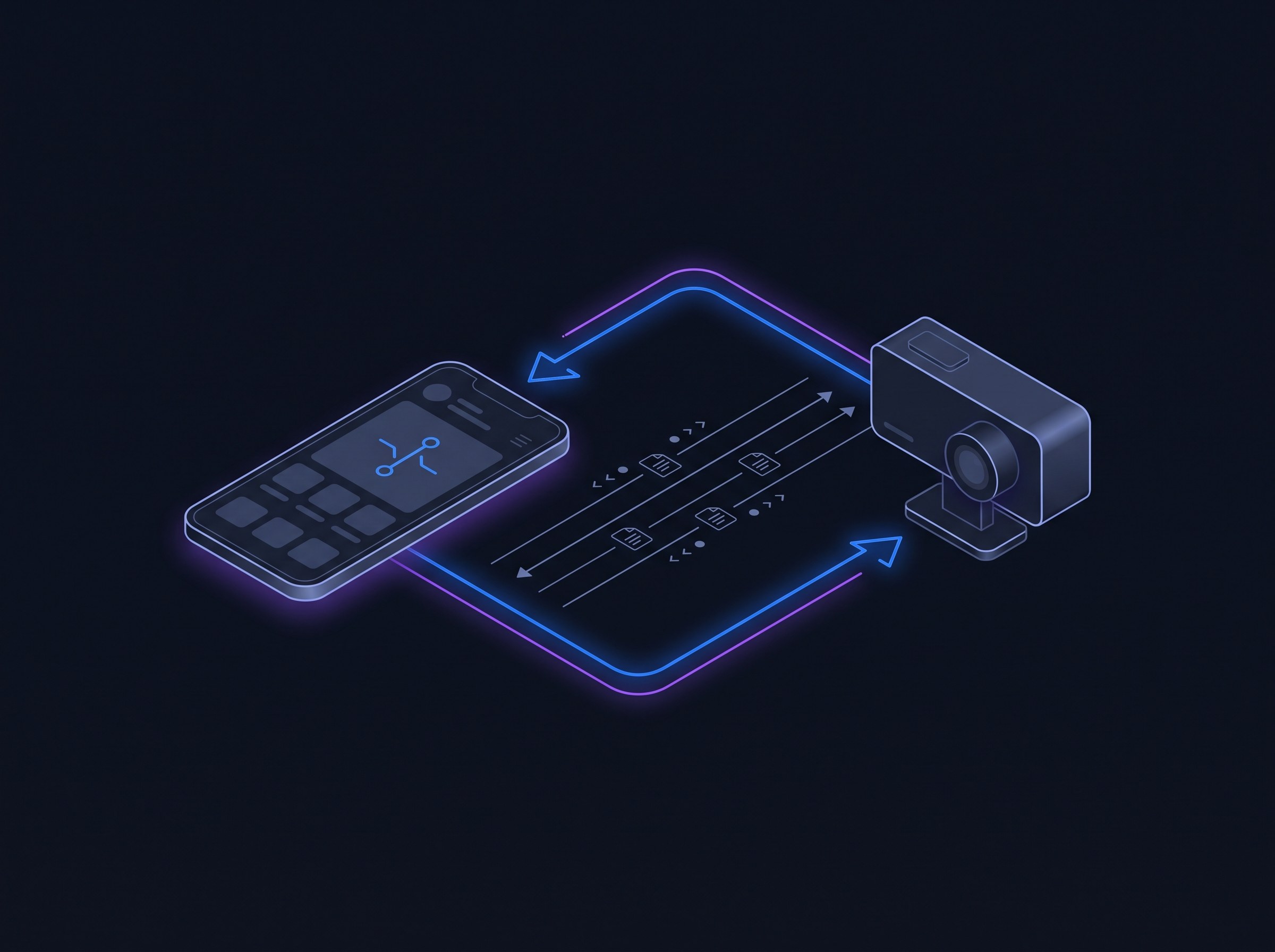
Built a complete OTA firmware update system that allows customers to easily update their dashcam firmware directly from the app.
- Automatic firmware version checking with 24-hour throttling
- Hardware-specific firmware detection and delivery
- Progress tracking during download and installation
- Verification of successful installation after camera reboot
- Release notes display for transparency
Video Management & Sharing
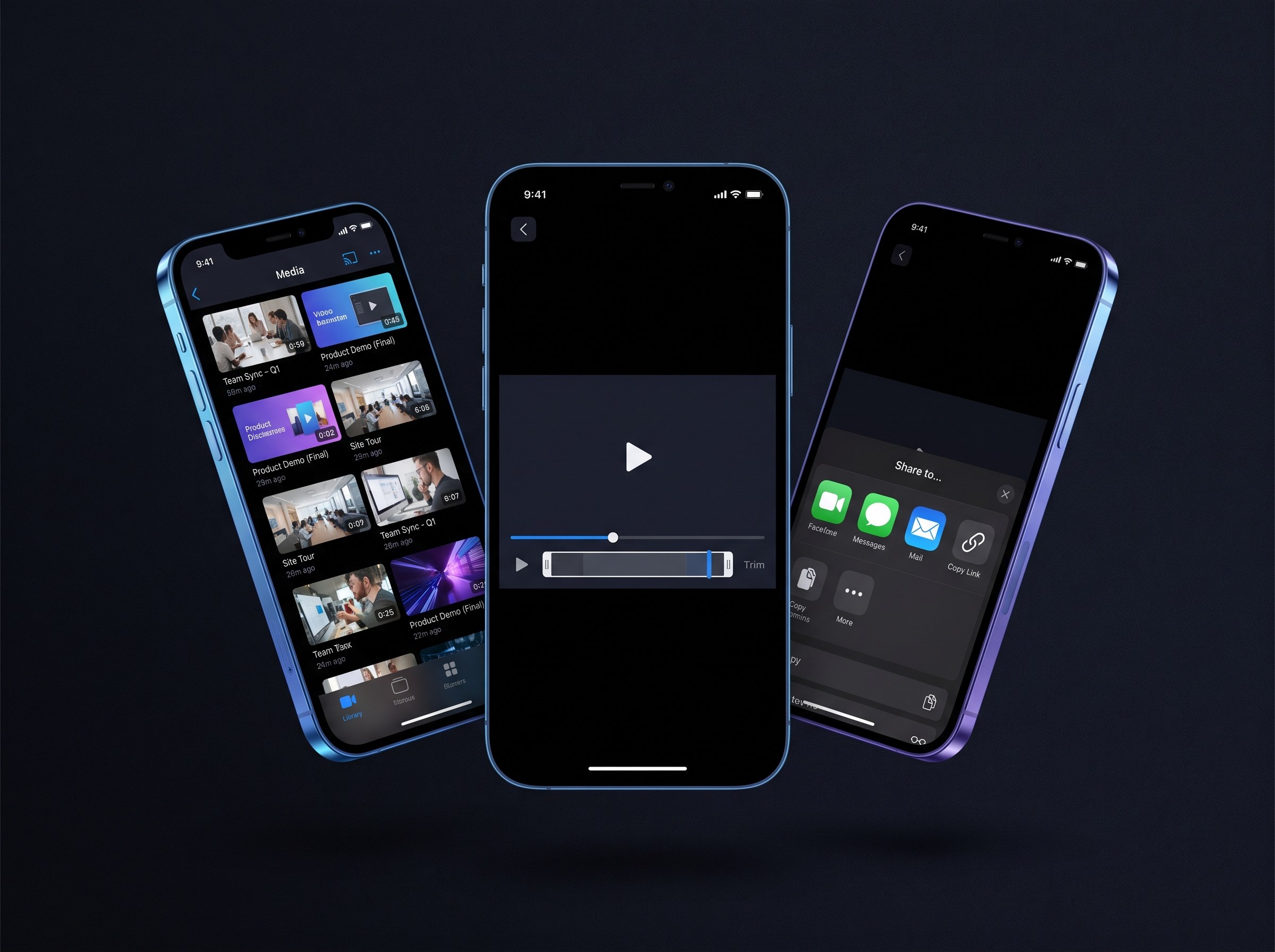
Created comprehensive video management features that make it easy for customers to browse, download, trim, and share their dashcam footage.
- Browse videos, photos, events, and parking mode recordings
- Thumbnail caching for fast offline browsing
- Video trimming with native editor integration
- One-tap sharing to messaging, email, and cloud services
- Local storage management with automatic cleanup
Platform Capabilities
The new app delivers a comprehensive dashcam companion experience.
Live View
Real-time RTSP streaming from the dashcam with pause/resume and camera mode switching.
OTA Updates
One-tap firmware updates with progress tracking and automatic verification.
Media Library
Browse and manage videos, photos, events, and parking recordings with offline support.
Video Trimming
Trim clips to the relevant portion before sharing for insurance or social media.
Camera Settings
Full control over resolution, G-sensor, parking mode, GPS, and more.
In-App Support
Freshchat integration for direct customer support within the app.
Technology Stack
We selected technologies optimized for hardware integration and cross-platform performance.
The Results
DashCams Protect now offers a best-in-class mobile experience.
Key Takeaways
Brand Identity Matters
Replacing the generic manufacturer app with a custom-branded solution immediately elevated the customer perception of DashCams Protect.
Hardware Integration Complexity
Direct WiFi communication with IoT devices requires careful handling of connection states, timeouts, and protocol quirks.
OTA as Differentiator
The firmware update feature solved a real customer pain point and became a competitive advantage in the dashcam market.
Building a Hardware-Connected Mobile App?
We specialize in IoT integrations and mobile apps that communicate with physical devices. Let's discuss your project.
Prefer to reach out directly?
Rather skip the form? Grab a free 30-minute discovery call and we'll talk it through together.
We reply within one business day.